The Ultimate Homelab: A Deep-Dive into an Automated K3s Cluster on Hetzner

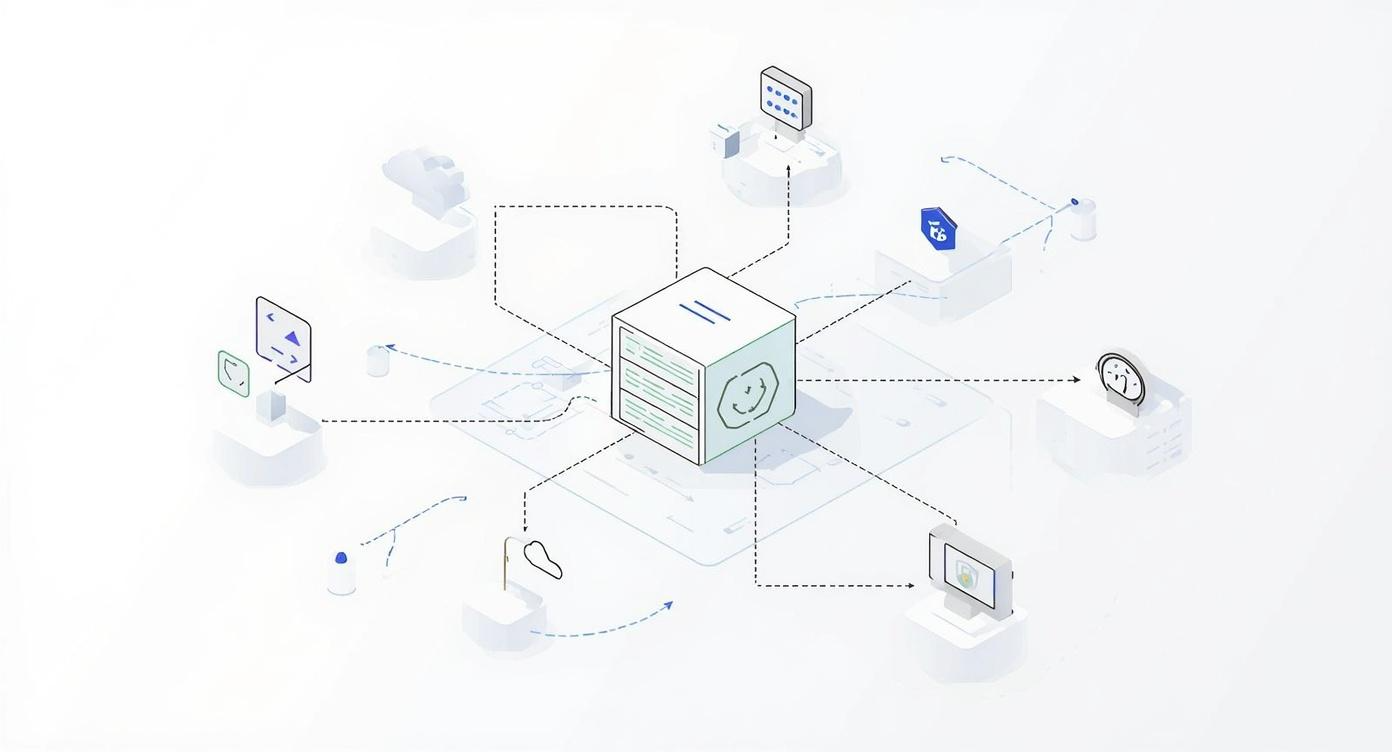
As a DevOps engineer, the desire for a personal lab environment is a familiar feeling. But what should that lab look like? A simple virtual machine is useful, but it doesn’t reflect the reality of modern cloud-native systems. A proper lab should be a microcosm of production: automated, secure, scalable, and managed entirely through code.
This project is the realization of that vision: a blueprint for a production-ready K3s cluster on Hetzner Cloud. It’s a cost-effective, high-performance platform for hosting real applications, practicing GitOps, and mastering the full lifecycle of cloud-native tooling. The choice of K3s was deliberate: its lightweight, single-binary nature and low resource overhead make it the perfect engine for a powerful yet efficient lab, providing a fully compliant Kubernetes distribution without the complexity of its larger upstream counterpart.
This article is a comprehensive deep-dive into the project’s philosophy, architecture, and technical implementation. The complete source code is available on Codeberg: 👉 tomasz-wostal-eu/iac-hetzner
Core Features at a Glance
- Lightweight Kubernetes: A K3s cluster with 1 master (
cx43) and 3 worker nodes (cx33). - Zero-Trust Networking: The entire cluster is firewalled and accessible only via a Tailscale VPN.
- Automated Ingress: A Hetzner Load Balancer is automatically provisioned for HTTP/HTTPS traffic.
- Persistent Storage Ready: Nodes are pre-configured with NFS and iSCSI clients.
- Strict IaC Separation: Terraform manages infrastructure, while Ansible handles configuration.
- Production-Grade CI/CD: A complete GitHub Actions pipeline automates the entire development lifecycle.
The Security Posture: A Multi-Layered Approach
Security was a foundational requirement. The architecture employs several layers of defense to create a hardened, zero-trust environment.
- Network Isolation: All servers exist within a Hetzner Private Network. They have no public network interface, making them invisible to the public internet.
- Zero-Trust Access with Tailscale: Tailscale provides the only entry point. It creates an encrypted mesh network between authenticated devices. All administrative access, including SSH and
kubectl, happens exclusively over this secure tunnel. - Automated Security Scanning: The CI/CD pipeline integrates Checkov, which performs static analysis on the Terraform code during every pull request to proactively catch security misconfigurations.
- Secrets Management: The project enforces a strict policy against committing secrets. Local development uses a git-ignored
.envfile, while the CI/CD pipeline consumes secrets securely from GitHub Environments.
Architectural Deep-Dive: The “How”
The project’s design enforces a strict separation of concerns. Terraform builds the house; Ansible furnishes it.
1. Terraform: The Infrastructure Layer (terraform/)
Terraform provisions all cloud resources. Key implementation details include:
- Dynamic Ansible Inventory: Terraform generates the Ansible inventory using a
templatefilefunction and alocal_fileresource, ensuring Ansible always has the correct IP addresses. - Preventing Server Recreation: A
lifecycle { ignore_changes = [user_data] }block prevents Terraform from recreating a server on configuration changes, making updates safe and idempotent. - Private Network Load Balancing: The Hetzner Load Balancer is attached exclusively to the private network, and targets are configured with
use_private_ip = true.
The Critical Role of a Remote Backend
This project configures Terraform to use a remote S3-compatible backend. This is non-negotiable for any serious IaC project for three reasons:
- State Locking: It prevents data corruption by ensuring that only one person can run
terraform applyat a time. - Collaboration: It acts as the single source of truth for the infrastructure’s state, allowing a team to work together seamlessly.
- Security and Durability: The state file contains sensitive data and must not be stored in Git. A remote backend keeps it secure and durable.
2. Ansible: The Configuration Layer (ansible/)
Ansible performs the heavy lifting of software installation and system configuration.
Centralized Configuration
Key variables are defined in a central location, ansible/group_vars/all.yml, making updates trivial. For example, upgrading the entire cluster to a new version of K3s is as simple as changing one line:
# ansible/group_vars/all.yml
k3s_version: v1.28.5+k3s1
This file also centralizes package names, network details, and NFS mount configurations, adhering to the Don’t Repeat Yourself (DRY) principle.
A Closer Look at Idempotency
Ansible’s power lies in its idempotent nature. Playbooks can be run repeatedly, and they will only make changes if the system’s state differs from the desired state. This is achieved through several techniques:
- Conditional Execution: The K3s installation task is wrapped in a conditional that checks if the binary already exists, preventing a reinstall on every run.
- name: Check if K3s is already installed
  stat:
    path: /usr/local/bin/k3s
  register: k3s_binary

- name: Download and install K3s master
  shell: # ... install command ...
when: not k3s_binary.stat.exists- Declarative State: Modules like
systemdoraptare declarative. A task to ensure a service isstate: startedwill do nothing if it’s already running. - Ignoring Informational Changes: Tasks that only retrieve data use
changed_when: falseto avoid cluttering the Ansible output with “changed” statuses, providing a cleaner execution summary.
Playbook Logic Highlights:
- Master Installation: Installs K3s with
--disable traefikand--disable local-storageto allow for custom solutions, and uses--tls-sanwith the node’s Tailscale IP for secure remote access. - Worker Join: Workers dynamically discover the master’s Tailscale IP via
tailscale status --json, fetch the join token usingdelegate_toand theslurpmodule, and then securely join the cluster. - Kubeconfig Retrieval: The
kubeconfig.ymlplaybook not only fetches the configuration file but also usesyq(a declared dependency) to clean up context names, demonstrating a focus on operational polish.
The CI/CD Workflow: Automation in Action
The GitHub Actions workflows provide a professional-grade developer experience.
- Pull Request with Automated Feedback: On every PR, parallel jobs run
terraform fmt,tflint, andCheckovfor quality and security. Crucially, a separate action runsterraform planand posts the entire plan as a comment directly in the pull request, enabling confident and collaborative reviews. - Push-Button Deployment (
deploy.yml): After merging, deployment is a manual, controlled action that runs bothterraform applyandansible-playbook. - Accessing the Cluster (
kubeconfigas an Artifact): On completion, a ready-to-usekubeconfig.yamlis uploaded as a workflow artifact. An operator can download this file and gain immediate, secure access to the new cluster.
Cost-Effectiveness: Powerful and Affordable
The Hetzner resources (cx43, cx33, lb11) were chosen for their excellent performance-to-price ratio. This entire production-ready setup can be run for a fraction of the cost of a comparable deployment on a hyperscaler.
The Strategic Roadmap: Towards an Autonomous Cloud
This platform is a launchpad. The roadmap includes integrating ArgoCD for GitOps, the full Grafana observability stack (Mimir, Loki, Tempo), and Longhorn for cloud-native persistent storage.
Getting Started: Your Turn to Build
The full instructions are in the SETUP.md file. Prerequisites include Terraform, Ansible, and accounts for Tailscale, Hetzner, and an S3-compatible object store.
Step 1: Clone and Configure
git clone https://codeberg.org/tomasz-wostal-eu/iac-hetzner.git
cd iac-hetzner
cp .env.example .env # Add your secrets
cd terraform
cp backend.hcl.example backend.hcl # Configure your S3 backend
cd ..
Step 2 & 3: Deploy and Configure
source .env
cd terraform && terraform init -backend-config=backend.hcl && terraform apply
cd ../ansible && ansible-playbook playbooks/site.yml
Step 4: Access Your Cluster
export KUBECONFIG=output/kubeconfig.yaml
kubectl get nodes
Conclusion
Building a personal lab that mirrors professional standards is an incredibly rewarding endeavor. By combining the right tools and a thoughtful architecture, you can create a secure, automated, and flexible platform that grows with your skills and ideas. I encourage you to clone the repository, try it out for yourself, and embark on your own journey of building a better homelab.